
ISBN scanner: scan your books instead of typing them in
Typing a whole book collection into a list takes days. With the ISBN scanner you point your camera at the barcode on the back of the book, and it appears on your shelf with title, author and cover.
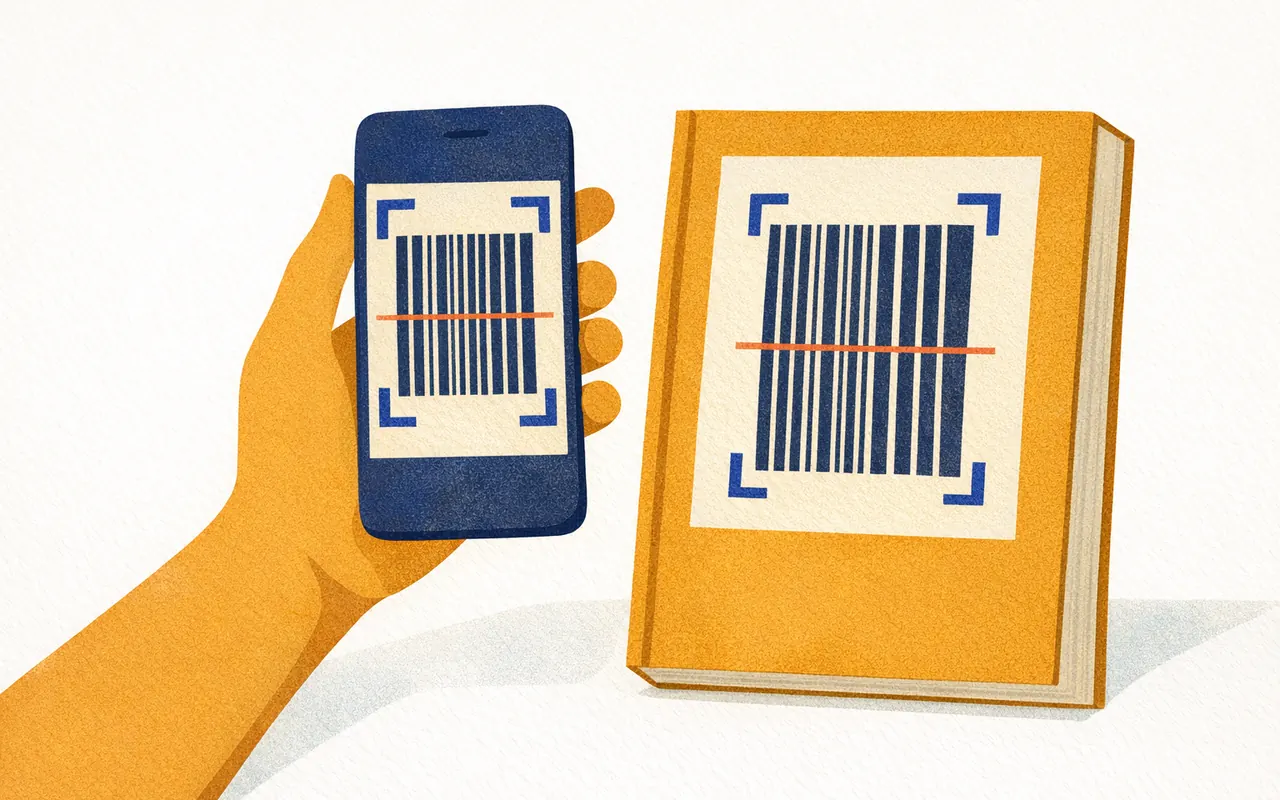
How the ISBN scanner works
1. Open the scanner
DreamShelf runs in your phone's browser. On the first scan the browser asks for permission to use the camera.
2. Point the camera at the barcode
The barcode is almost always on the back cover. It encodes the ISBN, the unique number of that edition.
3. The data is loaded
DreamShelf looks the ISBN up in a book database and fetches the details and the cover.
4. The book is on your shelf
You can correct or extend the details at any time, for example the location and reading status.
What is loaded automatically
- Title and author
- Publisher and publication year
- Page count
- Description
- Cover
Quick scan for whole shelves
If you want to add many books in a row, switch on quick scan. The camera then stays open: hold a book in front of it, it lands on your shelf, next book. That way you work through your collection one board at a time.
Books without an ISBN or barcode
Older editions, self-published titles and some gift books have no barcode or are missing from the databases. You can find those with the title search or add them by hand.
In that case you photograph the cover yourself. With the crop tool you drag the four corners onto the book, and even a photo taken at an angle comes out straight.
Frequently asked questions
What is an ISBN?
The ISBN (International Standard Book Number) identifies one specific edition of a book. Since 2007 it has 13 digits and starts with 978 or 979; older books often still carry a ten-digit ISBN.
Do I need to install an app?
No. DreamShelf runs in the browser on iPhone, Android, iPad, Windows and macOS. Your library is synced across all your devices.
Does the scanner work without internet?
The scanner needs a connection to load the book details. The library you have already added can be viewed and edited offline.
How many books can I scan for free?
On the free plan you can add up to 10 new books per day and 50 per month and create one shelf. DreamShelf Pro (€5.99 per month or €39.90 per year) removes these limits.
What if a book is not found?
Then you search for it by title or enter it by hand and upload your own cover photo.
Try the scanner
Create an account, point the camera at your first book – a few seconds later it is on your shelf.