

DreamShelf
Catalog your books.
Like a real shelf.
Scan the barcode and the book is on your shelf, cover and all. Then drag the books into the order they stand in at home.
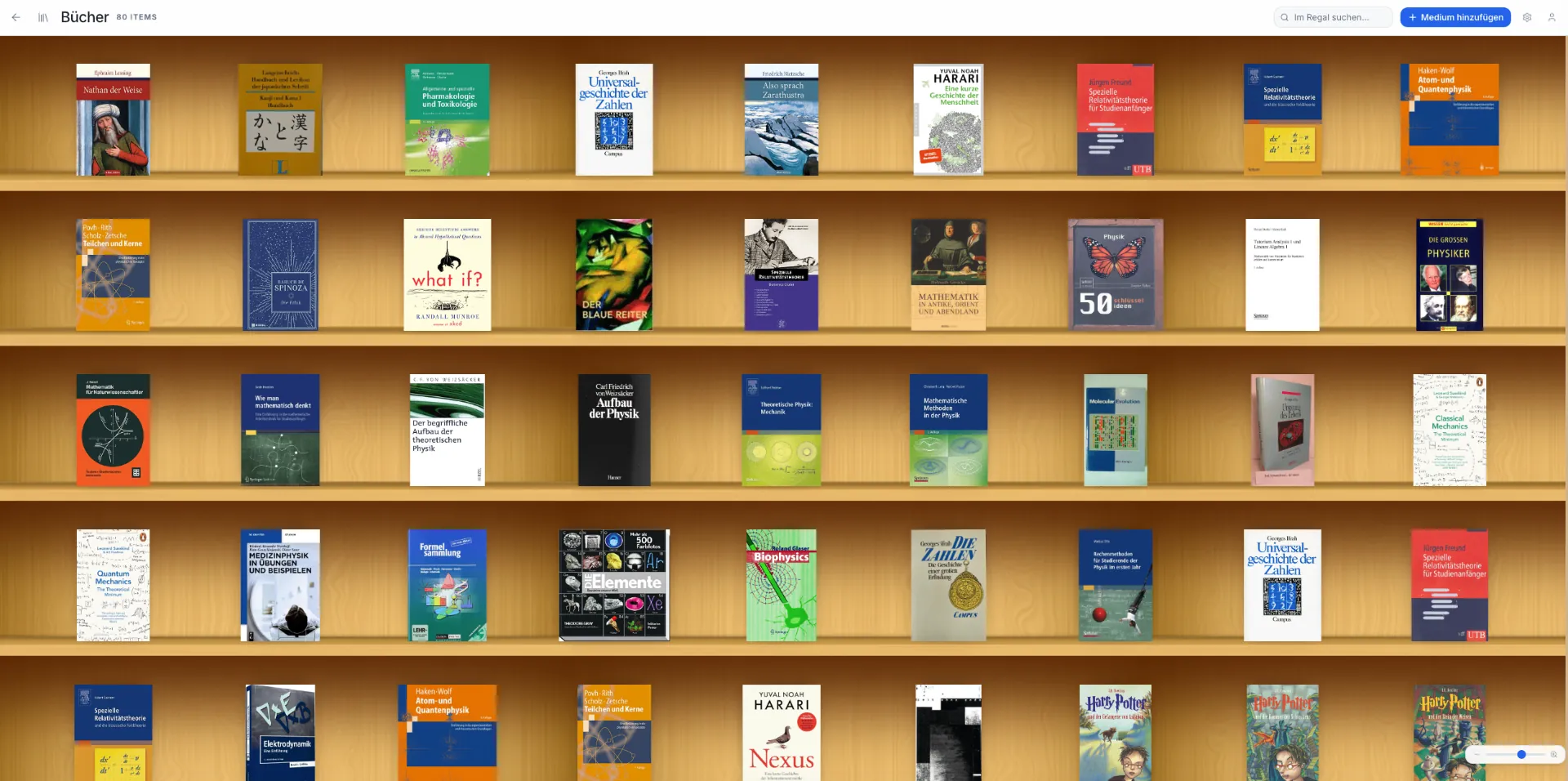
What a shelf looks like in DreamShelf
A real shelf from the app, not a mock-up: 80 books on wood, and you set the cover size yourself.
As individual as your collection
Everything your personal library needs – at a glance.
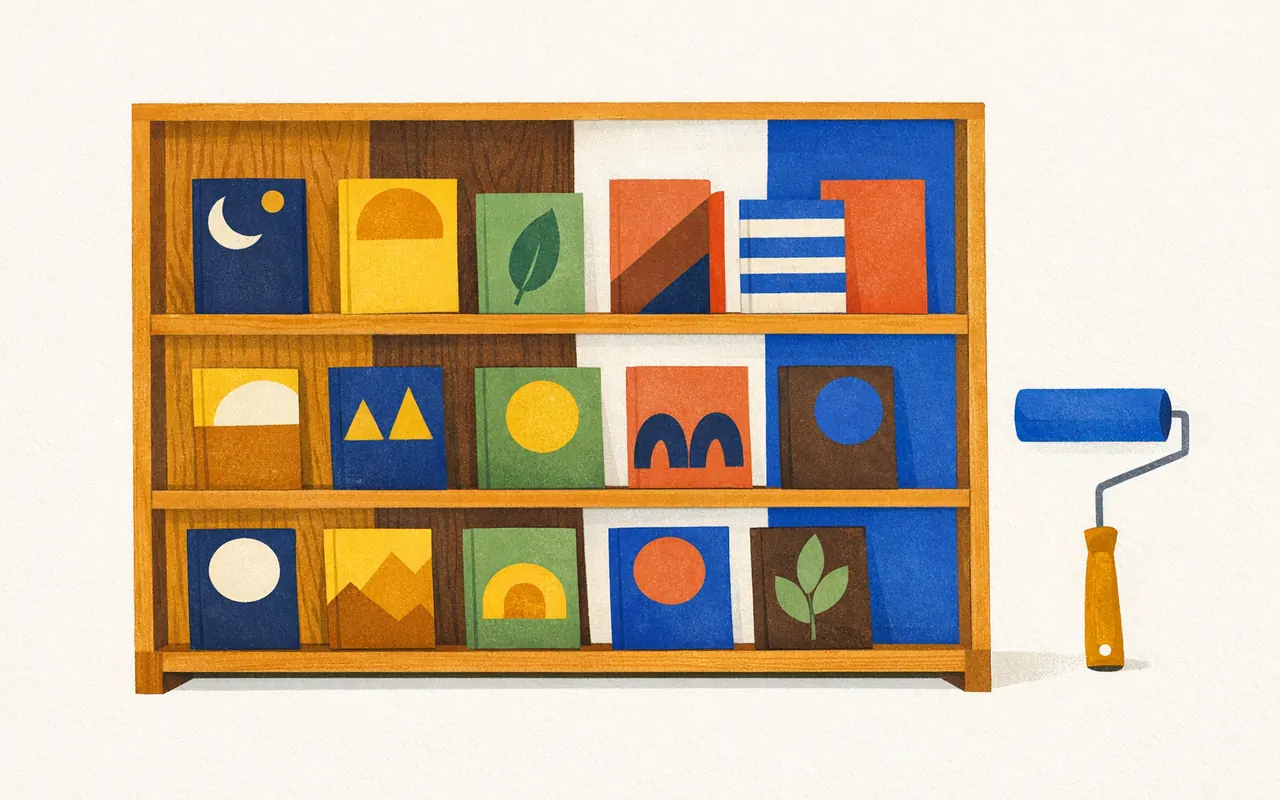
Shelf backgrounds just the way you like
Choose between wood, dark walnut, light variants or a colour of your own – every shelf in your library software looks exactly the way you want.

Adjustable cover size
Use the zoom slider to make covers as large or small as you like – from a full overview to a big detail view.
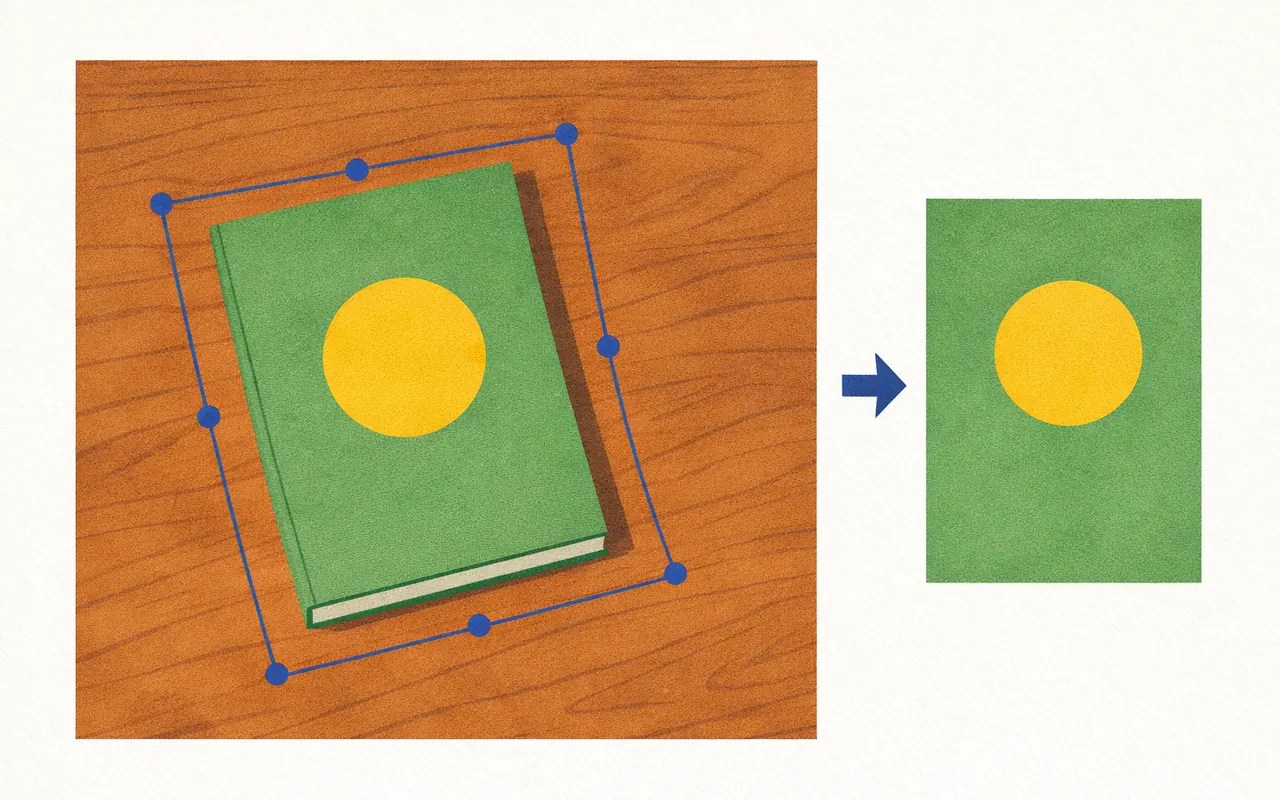
Crop covers perfectly
Photograph your book and crop the cover with corner and edge handles in exact perspective – even photos taken at an angle come out straight.
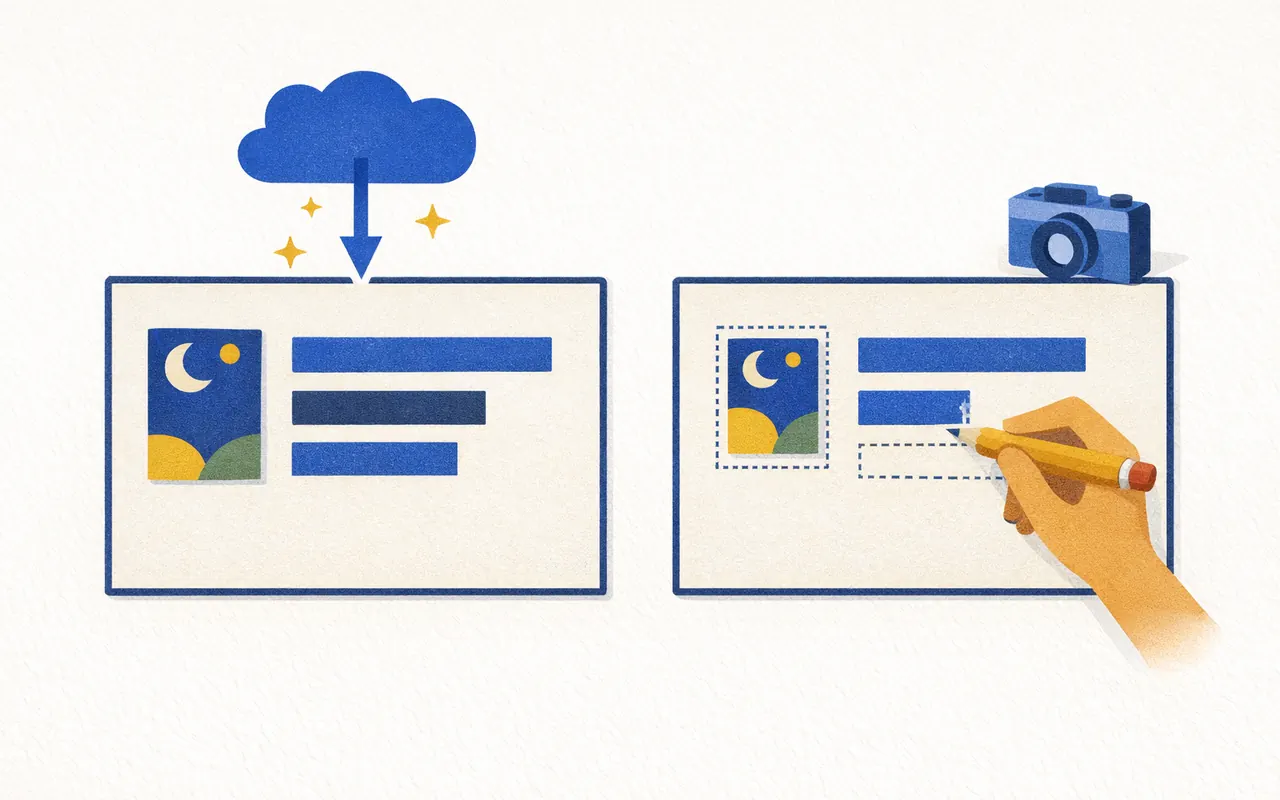
Load automatically or enter yourself
Title, author, publisher and cover are found automatically. If anything is missing, just enter it yourself and upload your own image.
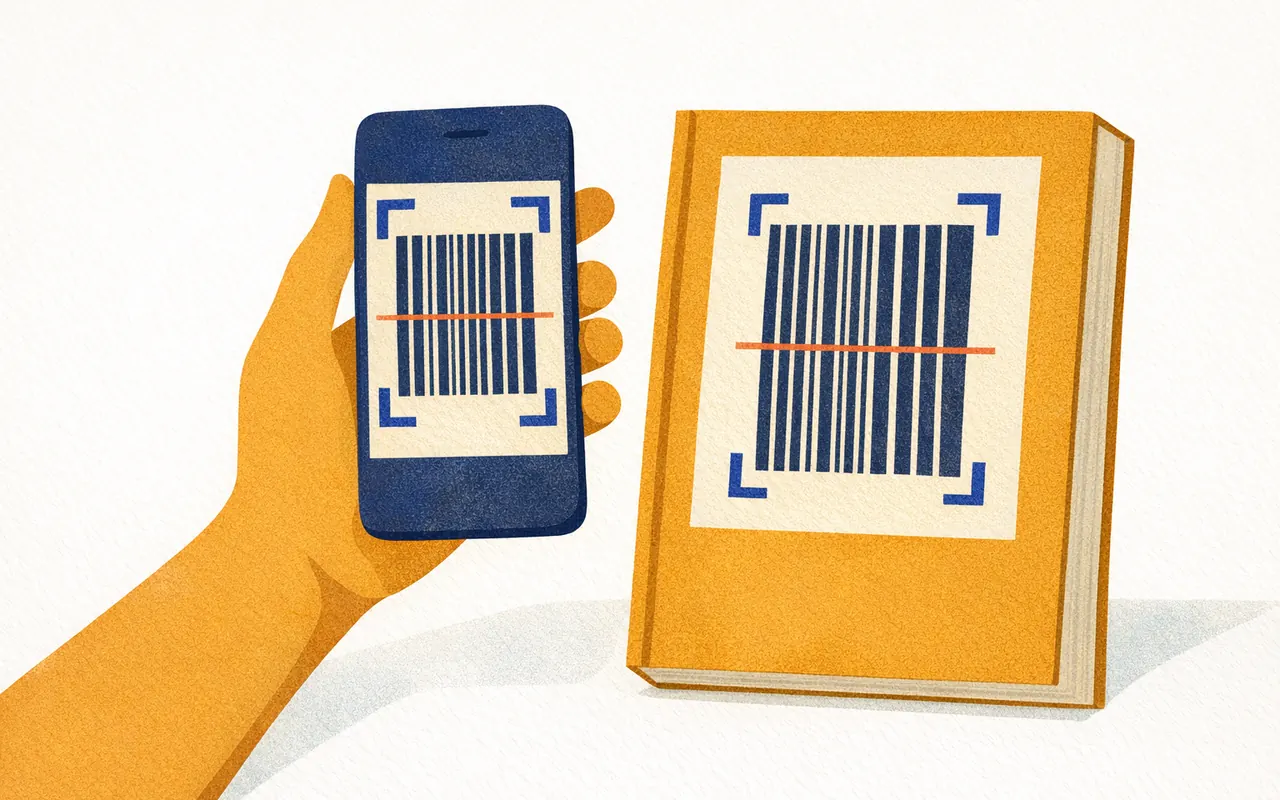
Scan the barcode and you're done
Point your smartphone camera at the ISBN barcode – the book lands on your shelf instantly with all its data.
Learn more →
No internet? No problem.
Works perfectly offline by default. Your library lives on your device, and changes sync automatically as soon as you're back online.
Learn more →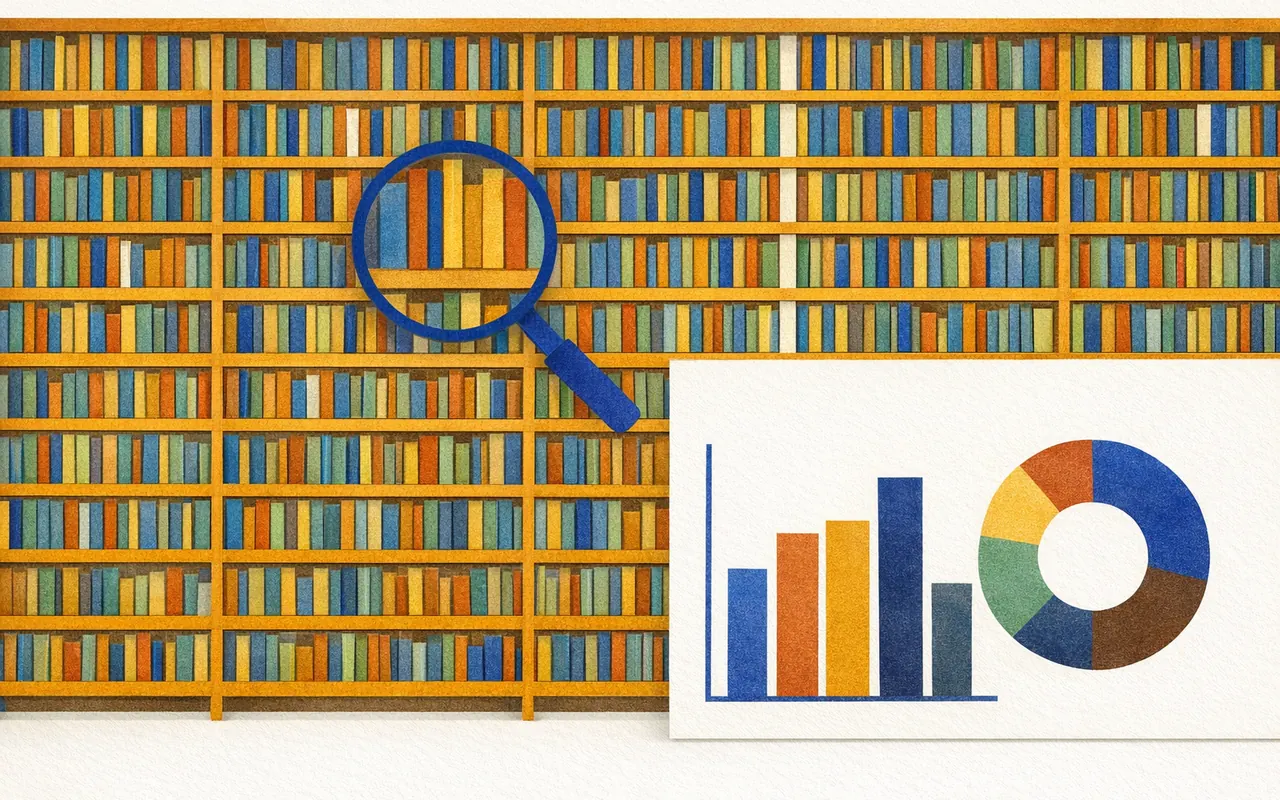
Easily manage thousands of books
With great statistics and powerful search you keep track of even large collections – filter by author, publisher, genre or reading status.
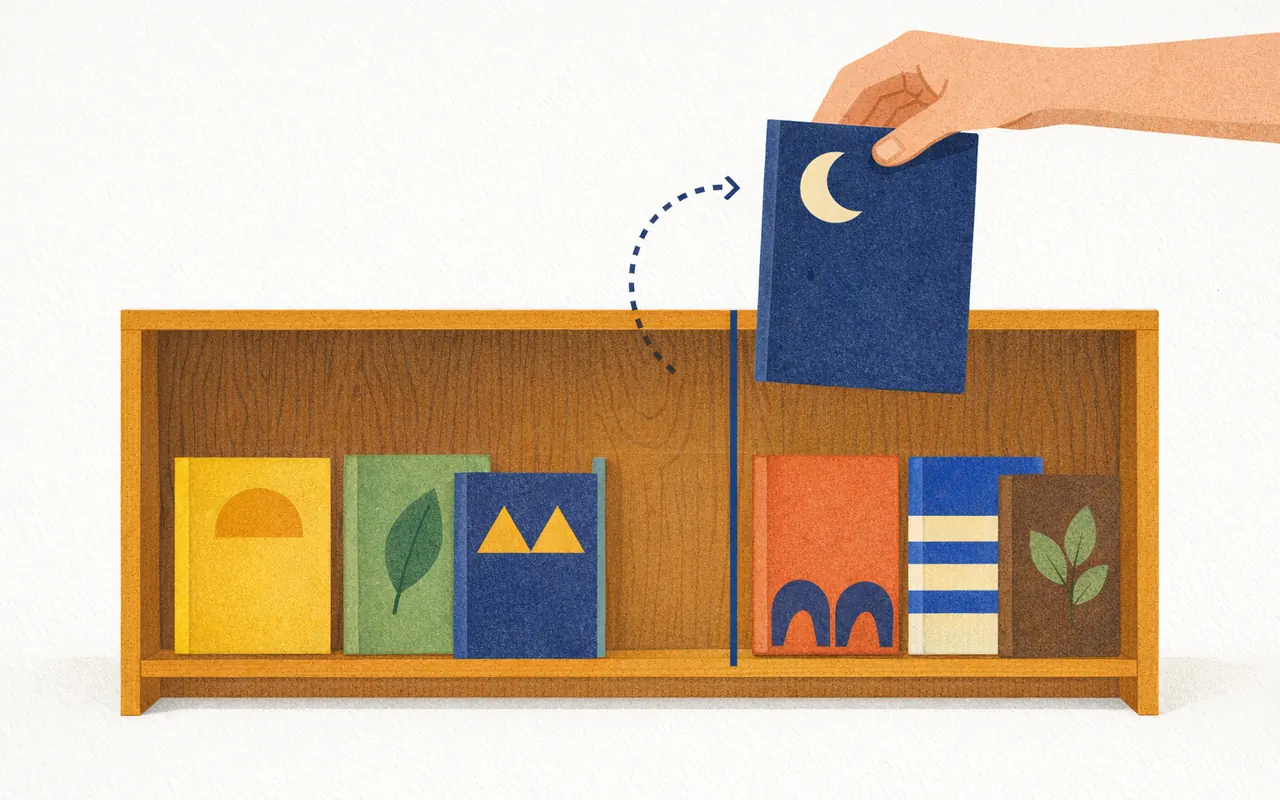
Sort by drag and drop, like a real shelf
Simply drag your books to where you want them – the order is kept, just like rearranging a real bookshelf.
Learn more →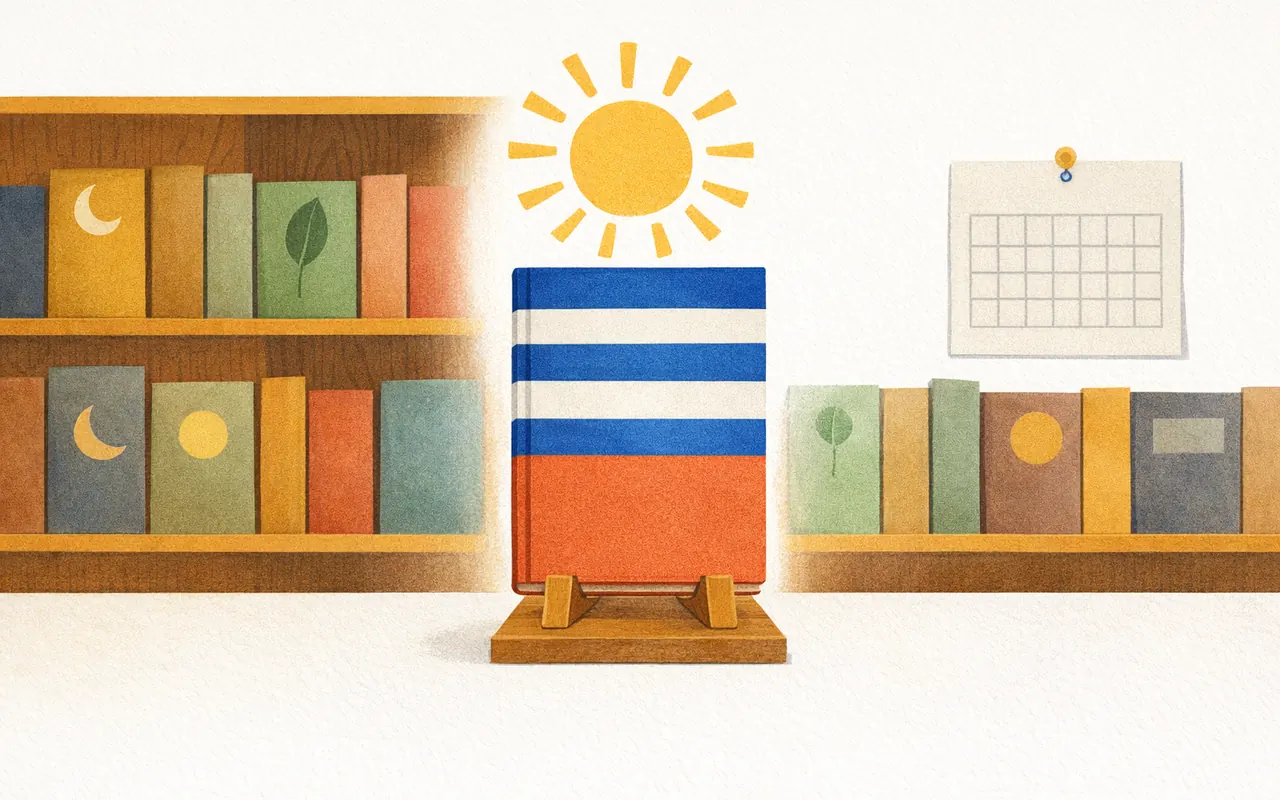
Rediscover your library
Every day you get a book of the day suggested from your collection. You find a whole new way into your collection, and every book gets the attention it deserves.
What is library software – and why do you need it?
Library software helps you catalog books and other media, find them again and keep track of your collection. Library software used to be mainly for public and school libraries. Today, individuals use library software for their home library too: to avoid buying duplicates, keep track of lent books or simply enjoy their own collection.
DreamShelf is library software for your home. Instead of endless tables, you see your books on virtual shelves – just like they stand in your living room. The ISBN scanner adds a book in seconds, and the book manager does the rest.
How to recognise good library software
- Fast entry: scan the ISBN instead of typing data.
- Complete book data automatically – cover, author, publisher, page count.
- A clear, enjoyable layout that invites you to browse.
- Runs on all devices and offline too.
- Powerful search and filters, even with thousands of books.
- Your data belongs to you: export at any time.
Library software compared: features side by side
| Feature | Good library software | Poor library software | How DreamShelf does it |
|---|---|---|---|
| Add books with an ISBN scanner using your phone camera | Scan the barcode, data is filled in automatically | ||
| Automatic metadata (author, publisher, year, pages, cover) | Via ISBNdb, Google Books and Open Library | ||
| Visual shelves instead of just tables | Virtual bookshelves with wood or colour backgrounds | ||
| Reading status and location for each book | Read, reading, unread – plus where it is in your home | ||
| Search and filter by author, year, publisher, tags | Full-text search and combinable filters | ||
| Works offline with sync | Works without a connection and syncs all devices later | ||
| On desktop, tablet and smartphone | In the browser, no installation needed | ||
| Sharing with friends and public links | Friends feed, comments, read access via link | ||
| Data export without lock-in | Export your collection as a file at any time | ||
| Ad-free and privacy-friendly | No ads, your data is never passed on |
Who is DreamShelf library software for?
For everyone who looks after a personal library: avid readers, collectors of first editions, families with lots of children's books, or book clubs who want to share their shelves. Small club or community libraries also use DreamShelf as simple library software without complicated setup.
Start for free, create your first shelf and scan your first books. Within minutes you'll know whether DreamShelf is the right library software for you.
Frequently asked questions about library software
How much does the DreamShelf library software cost?+
You can use DreamShelf for free. For larger collections and extra features there is DreamShelf Pro for €39.90 per year or €5.99 per month – see the pricing page for details.
What is the fastest way to add my books?+
Simply scan the ISBN barcode with your phone camera. DreamShelf automatically loads title, author, publisher, page count, publication year, description and cover.
Does DreamShelf work on phone, tablet and computer?+
Yes. DreamShelf runs in the browser on iPhone, Android, iPad, Windows and macOS. Your library is synced across all your devices.
Can I use my library offline?+
Yes. Your shelves and covers are stored locally on your device. Changes made without internet are synced automatically as soon as you are back online.
Can I share my shelves with friends?+
Yes. For each shelf you decide whether it is private, visible to friends or readable by anyone via link. Friends see new books in their feed and can like and comment on them.
Can I manage movies as well as books?+
Yes. DreamShelf manages books and movies on their own shelves, including cover, reading or watched status and location.
Phone, tablet, computer
DreamShelf runs in the browser. What you scan on your phone shows up on your computer shortly after. Without a connection you keep working, and changes sync later.
Your collection stays yours
Cataloguing a book collection is work. That is why you can take it with you at any time, on the free plan too.
- Export as CSV for Excel and other spreadsheets
- Full backup as a file
- Restore the backup whenever you need it
- Delete your account and all its data yourself
FAQ
Everything you need to know.
Is the app really free?+
Yes! You can use the app for free to catalog your books and movies.
How do I add books?+
You can use the built-in barcode scanner, search by ISBN, or add books manually.
Is my data synced?+
Yes, your entire library is stored in the cloud and available on all your devices.
Can I export my collection?+
Yes, you can export your library at any time and also import it again.
Start with one shelf board
Create an account, scan your first ten books and see whether it suits you.